
Parametric modeling lets a design change dimensions based on a few variables, such as length, width, and height. Bambu Lab's MakerWorld platform makes this kind of customization accessible without 3D modeling experience or even a Bambu Lab printer.
I recently designed a modular organizer using this approach. Look for models on MakerWorld with a Customize button; you can filter search results to show only parametric models.
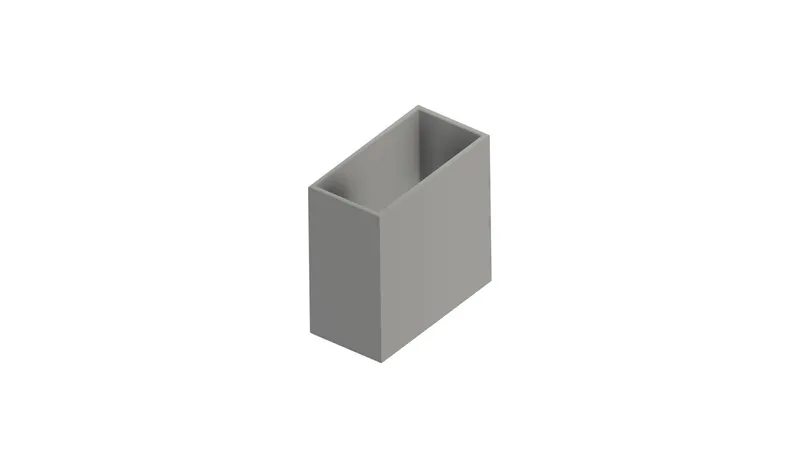
Customize a Model
1. Visit the Model Page
Open the model page for the design you want to customize. My example is a desktop organizer box.
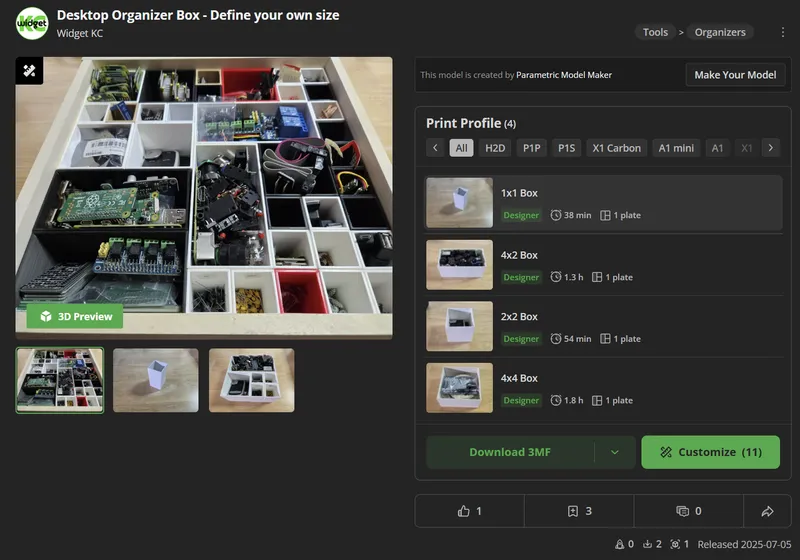
2. Click Customize
The Customize button appears beneath the model preview. Select it to open the customization panel.
3. Enter Your Dimensions
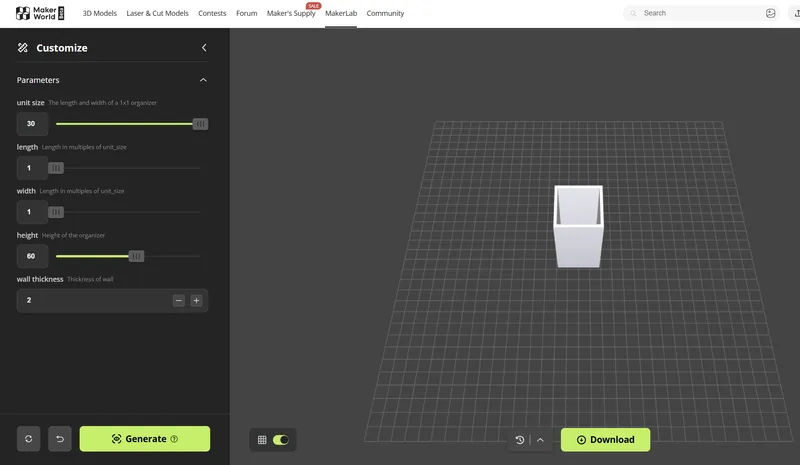
The panel provides fields such as unit_size, length, width, height, and wall_thickness. Enter the values you need, in millimeters. For example, set a tray width to 30 mm, increase the height to 100 mm for a deeper box, or adjust the length to fit a drawer.
Click Generate to update the 3D preview and check the result.
4. Download the File
When the preview looks right, choose Download and select a file type. Import the result into your slicer and prepare it for printing.
Final Thoughts
Parametric design has traditionally been a powerful tool for CAD users. MakerWorld's customization tools let anyone benefit from adaptable models, whether you're organizing a drawer, building an enclosure, or printing a gift.
For more builds and tips, follow Widget KC on YouTube.